# AI-Built Data Mappings in MapForce - Meet Altova AI
Most of the time you spend on a data integration project isn't spent running it. It's spent defining it. Connecting a source schema to a target means matching fields one at a time across systems that rarely agree on structure, naming, or language. A source calls it cust_nm; the target wants CustomerName. An EDI partner sends N1 and PO1 segments that mean nothing until you've cross-referenced a spec. One side is in Chinese, the other in English.
And matching fields is only half the work — connecting them rarely means a straight line. You also have to define the data processing functions and filters that make a source value fit the target: concatenating or splitting strings, reformatting dates, converting units or codes, applying conditional logic, and filtering out the records that shouldn't flow through at all. Multiply all of that by a few hundred fields and you have the part of the job that takes the longest and demands the most specialized knowledge.
The execution layer of ETL has been solved for years. The authoring of mappings has not. That's the gap Altova AI closes.
What Altova AI does
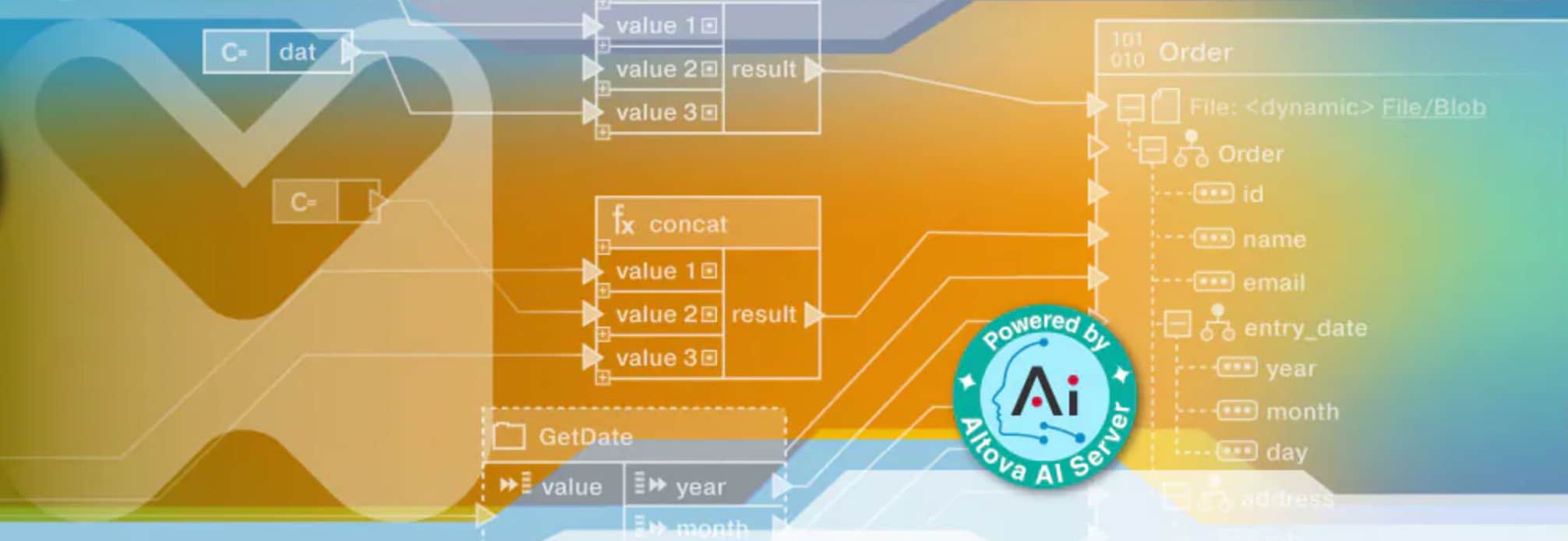
Altova AI brings AI directly into MapForce to build the mapping for you. You point it at a source and a target, and it analyzes the actual data structures, generates the field connections, and suggests the transformation functions needed to make the two structures line up. The result is a working, executable MapForce project — produced in minutes, in the same graphical environment you already use.
You can start from scratch and let Altova AI create an entire data mapping, or you can move incrementally by selecting a field and having the AI suggest a connection.
How it works
The workflow is interactive by design:
Add source and target data structures to a mapping project. That's the only setup required to start. If you want Altova AI to create the whole mapping, simply click in a blank area of the canvas and then click “Ask AI to create components and connections.” If you have one specific field to focus the AI on, select it in the source or target before invoking Altova AI.
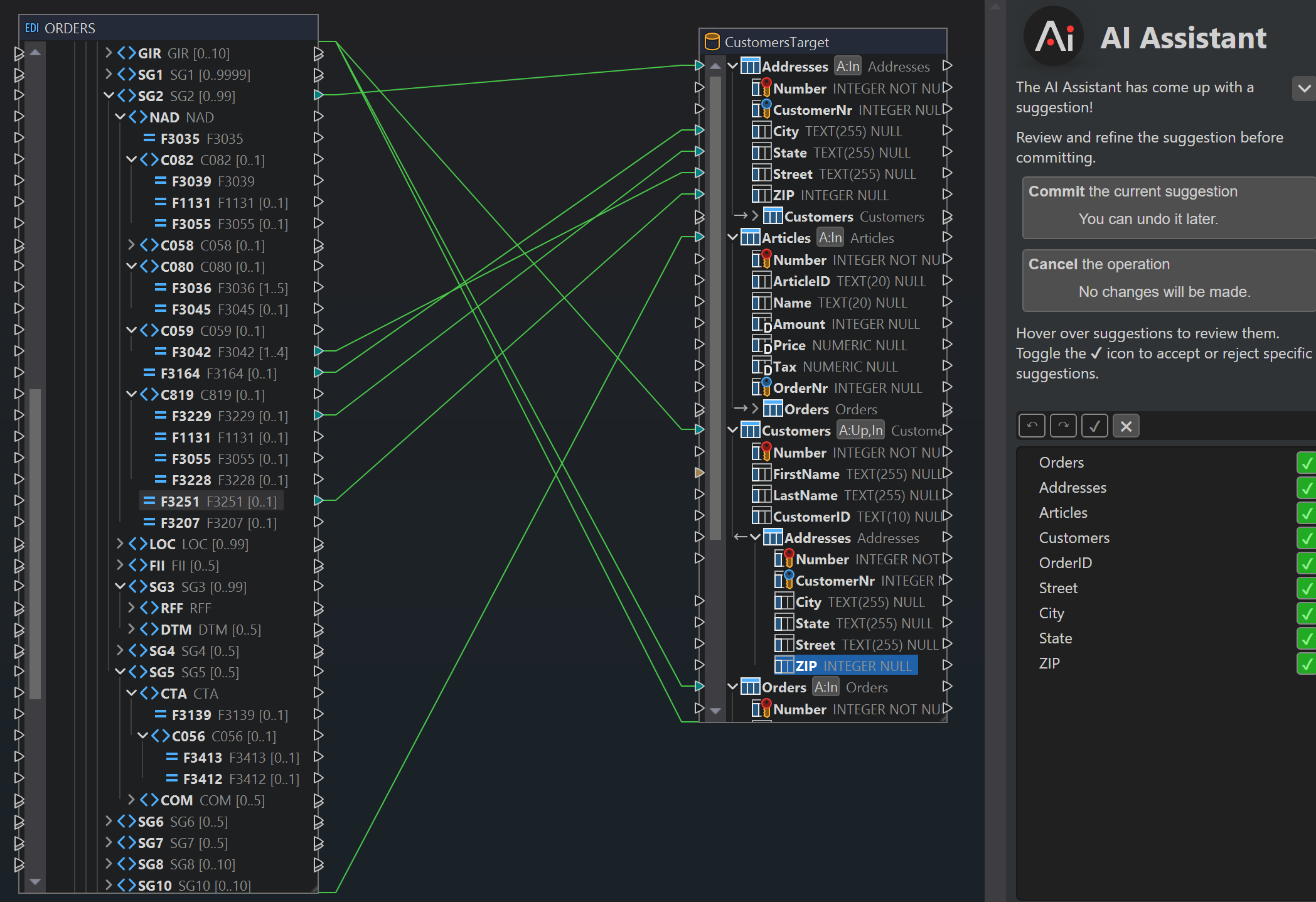
Altova AI generates connections. It reads the structures and the underlying data, then proposes field-to-field connections plus any transformation functions needed in between. All suggestions appear in the mapping in green for easy review.
Review and decide. Hover over any suggestion and accept or decline it individually, or apply everything at once. Nothing is committed without your say-so.
Ask for more where you need it. Click a node of interest to generate additional suggestions for that field, so you can fill in the connections the first pass didn't cover.
Edit like any other mapping. Because the output is a standard MapForce project, you can adjust it with the same tools you'd use on a mapping you built yourself.
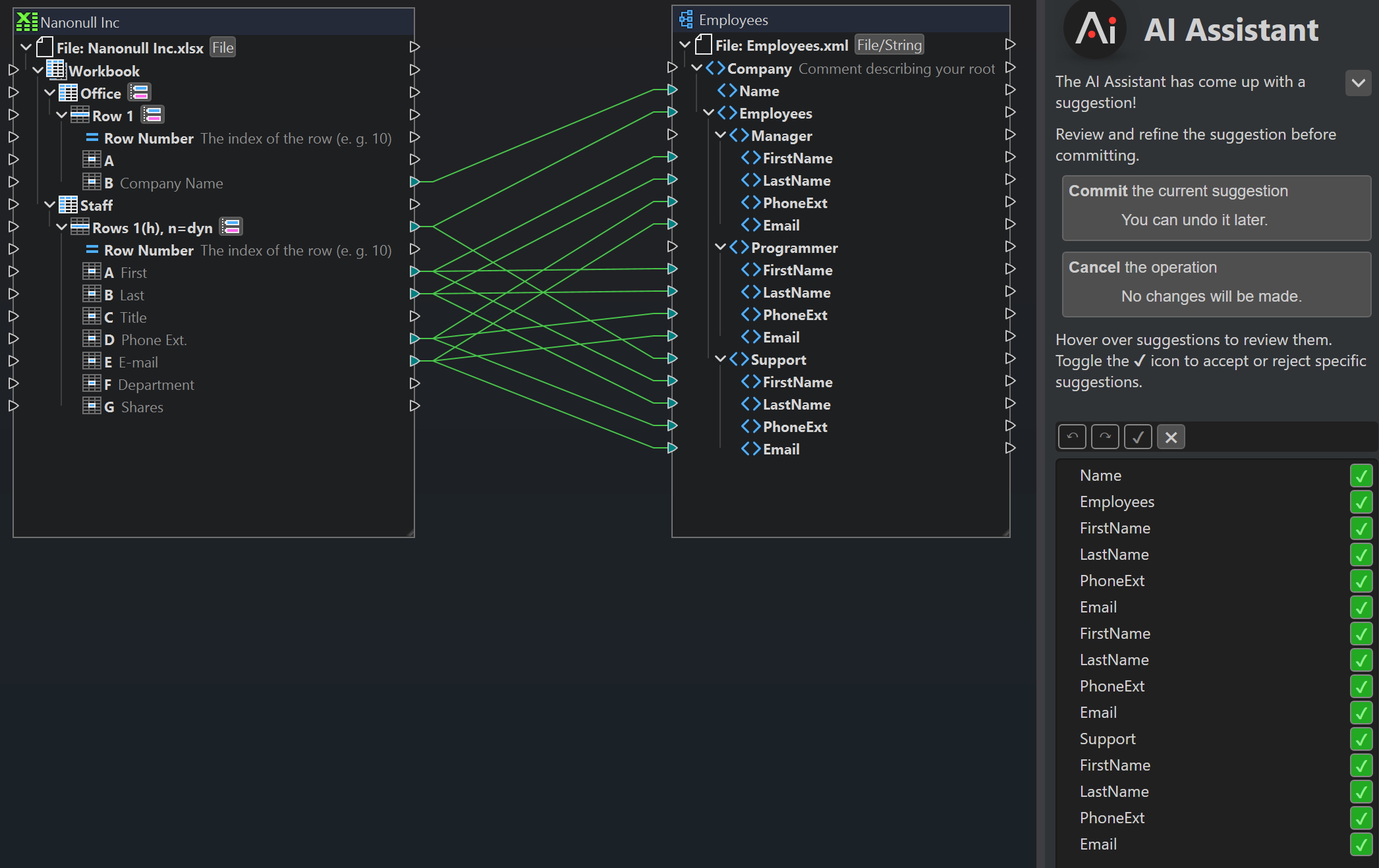
That accept-or-decline loop is the part that matters most. Altova AI is not a black box that outputs a finished artifact you have to trust blindly. It's a fast first draft you stay in control of.
Decoding fields that don't line up
The connections that cost the most time are the ones where the field names tell you nothing. EDI is the canonical example. Segment and element identifiers like BEG, REF, or PO1 are meaningless on their own. You can't connect them to a target until you know what each one represents.
Today that means stopping to decode. You cross-reference the EDI spec, work out that BEG carries the beginning of a purchase order and PO1 holds the line-item detail, and only then can you draw the connection. Repeat that for every cryptic field in the document, and a single mapping can turn into hours of spec-reading before you've built anything. It's slow, it's easy to get wrong, and it's exactly the kind of work that requires someone who already knows the format.
Human language mismatches create the same problem in a different form. When a source labels a field Rechnungsnummer and the target expects InvoiceNumber, the two strings look unrelated even though they mean the same thing. The work falls back to a person who can read both translating field by field to figure out what connects to what.
Altova AI does the decoding for you in both cases. It identifies how source nodes correspond to target elements — no spec lookup or translation required.
Benefits of Altova AI in MapForce
Time savings. The manual, field-by-field connection work that dominates an integration or ETL project happens automatically.
Control. Per-connection accept/decline means you're reviewing a draft, not inheriting a mystery.
Transformations, not just links. Altova AI suggests the logic between fields, so you're not left wiring up conversions by hand after the connections are made.
No new environment to learn. Output lands as a normal MapForce project you can edit, extend, and run like any other.
A lower barrier to entry. Producing a working integration no longer requires deep mapping expertise, which widens the set of people on your team who can do it.
Getting started
Altova AI is available as an optional subscription that you add to your MapForce license. It requires an active Support and Maintenance Package (SMP), and you can add Altova AI when you purchase a new SMP, or attach it to an existing one. Pricing and options are on the Altova Online Shop.
If you already work in MapForce, the fastest way to understand what this changes is to point Altova AI at a source and target you know well and watch what it proposes. The mappings you used to build by hand are now a draft you review — and the time you save goes back into the logic that actually matters to your business.