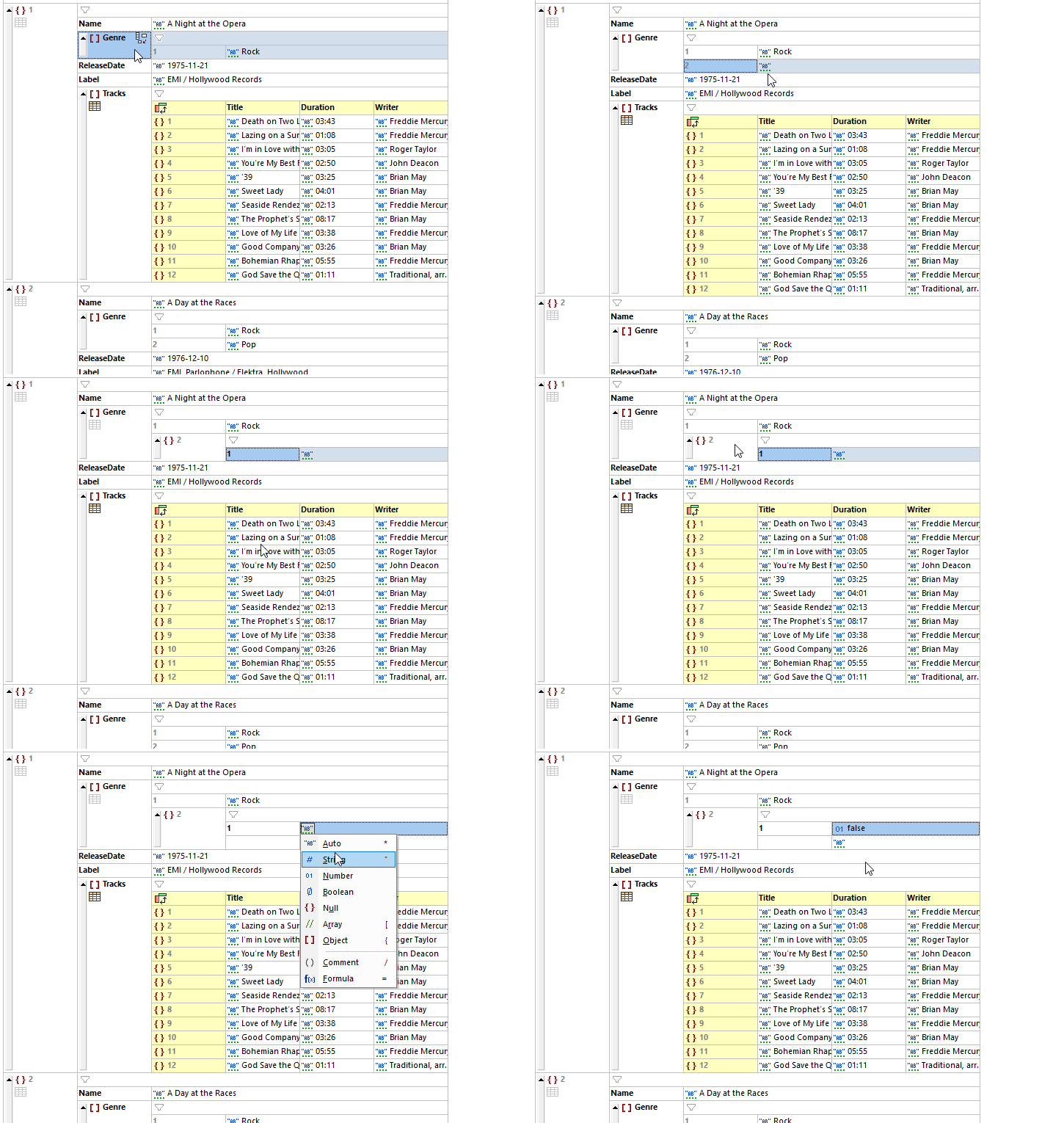
JSON Grid makes it easy to modify or reorganize the structure of the document using drag-and-drop. Active buttons in each cell provide shortcuts for the most common display, filtering, and editing tasks. During editing, these buttons make it fast to add a child item, change a type, toggle between table and list view, and so on.
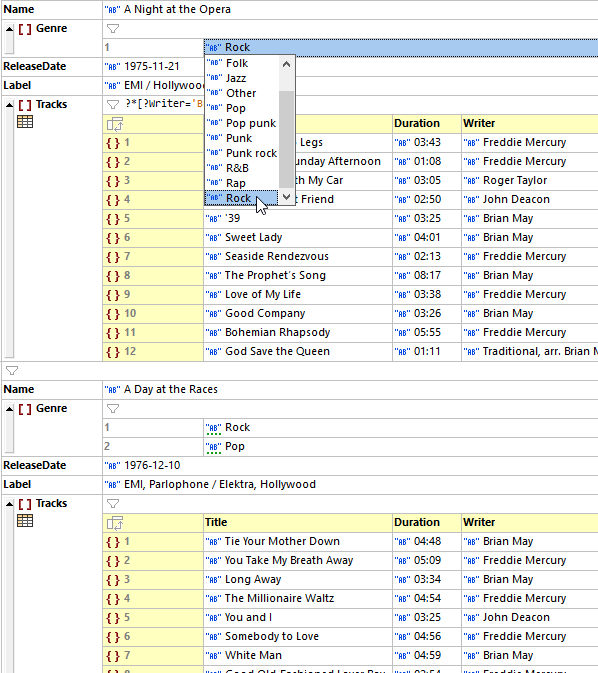
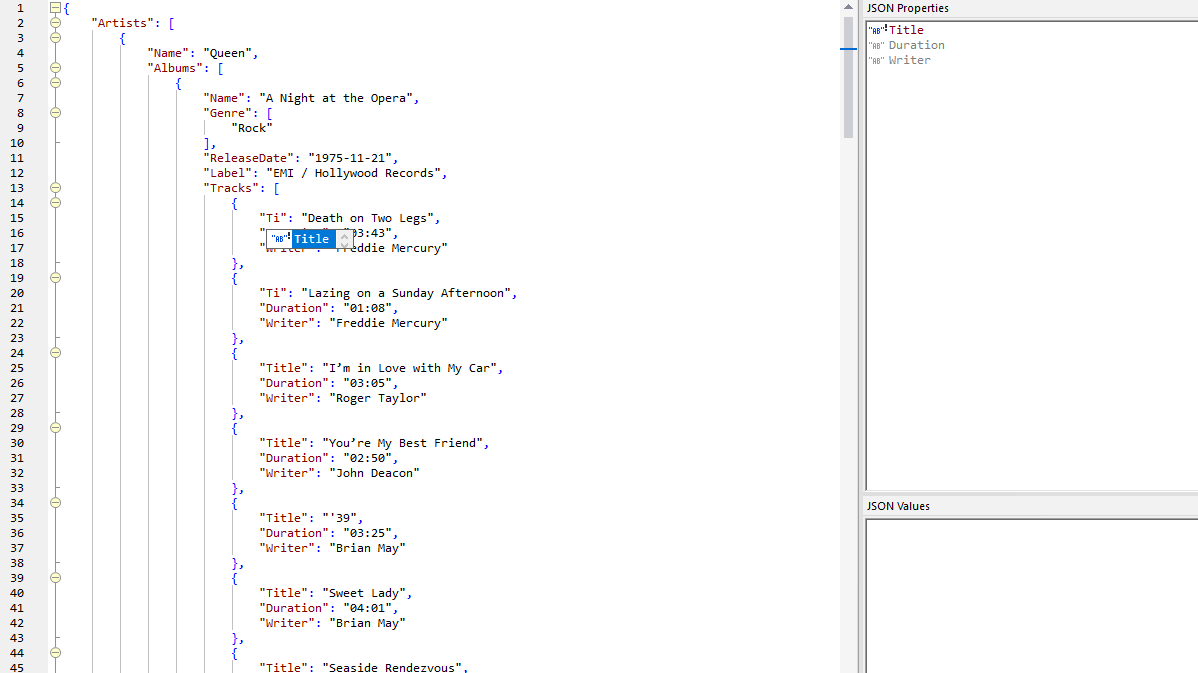
For faster editing, XMLSpy auto-detects string, number, boolean, and null values as you type. Other types can be manually selected within the cell.
JSON Grid Editor has numerous easy-to-remember keyboard shortcuts to make editing as fast as possible, letting you continue typing without needing to use your mouse. A right-click context menu is also available so you can edit using your preferred approach.
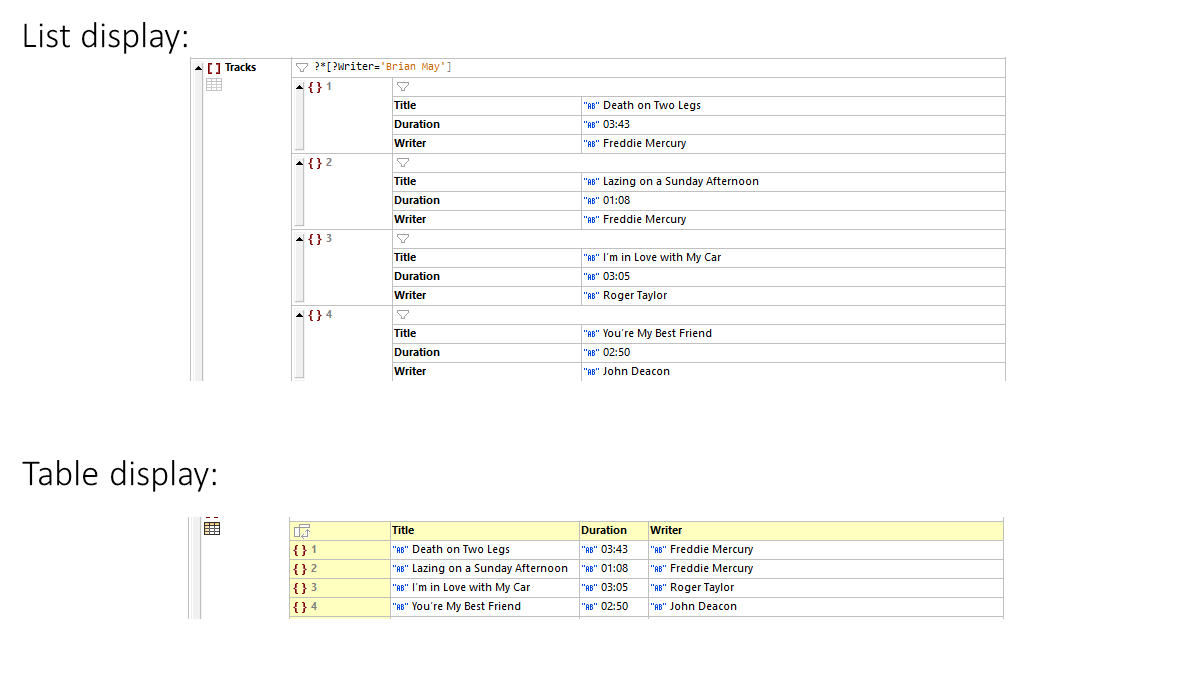
JSON Grid includes table view that groups data under the same array or object for easy understanding and quick editing, and you can toggle between the two displays, for instance:
Filters and Formulas
Support for XQuery filters and formulas lets you use XQuery 3.1 expressions to filter the components that are displayed in the view and calculate results that can be stored in the document.
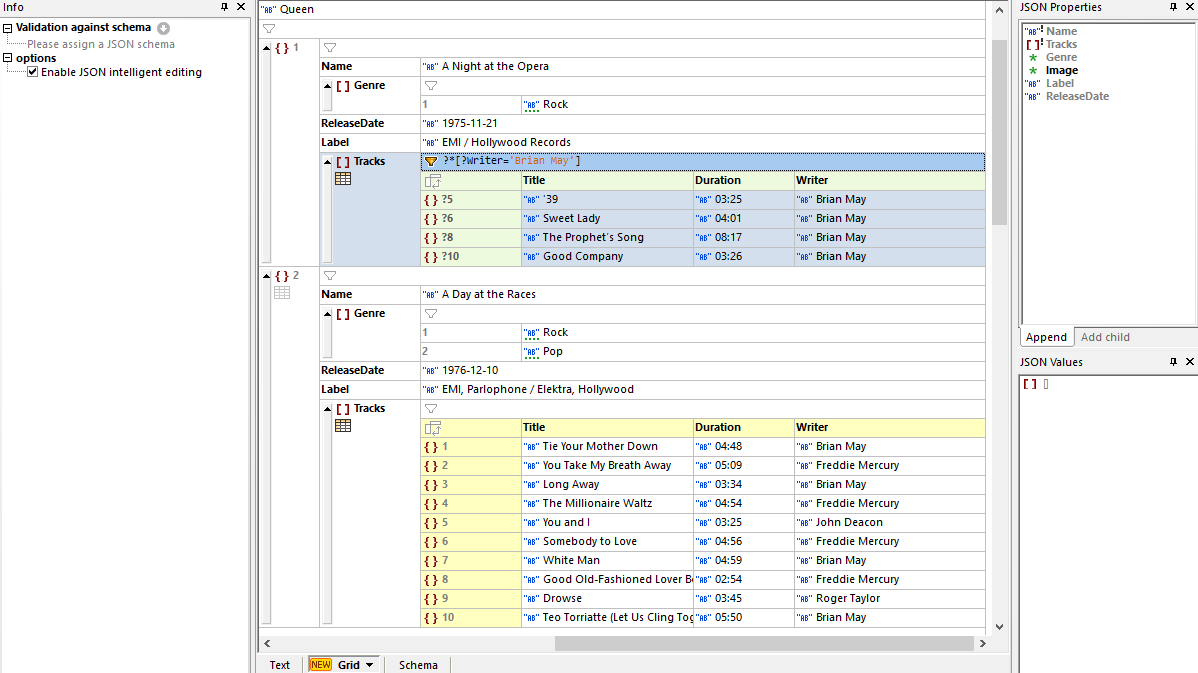
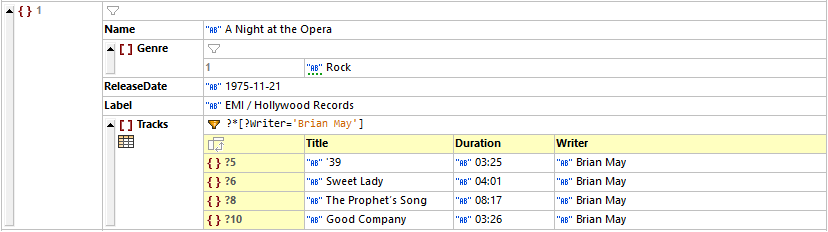
Each table includes a filter that lets you manipulate the display of object and arrays. For example, in the screenshot above, a filter has been applied to an array so that only those tracks written by Brian May are displayed. It's easy to toggle between filtered and unfiltered cells by clicking the filter icon. When you save the file, your filters are stored in metadata for later viewing purposes. They don’t affect the content of the document.
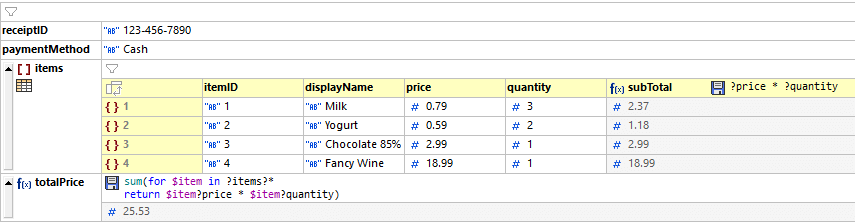
A formula enables you to generate output (nodesets as well as calculations) and to display the output in Grid View. Below is an example using an XQuery formula to calculate the price of items. Clicking the save icon for the formula gives you the option to store the output of the formula in the JSON document. In this way, formulas in XMLSpy JSON Grid open an entirely new possibility: the ability to have dynamically computed content in JSON documents.
Chart creation from JSON data
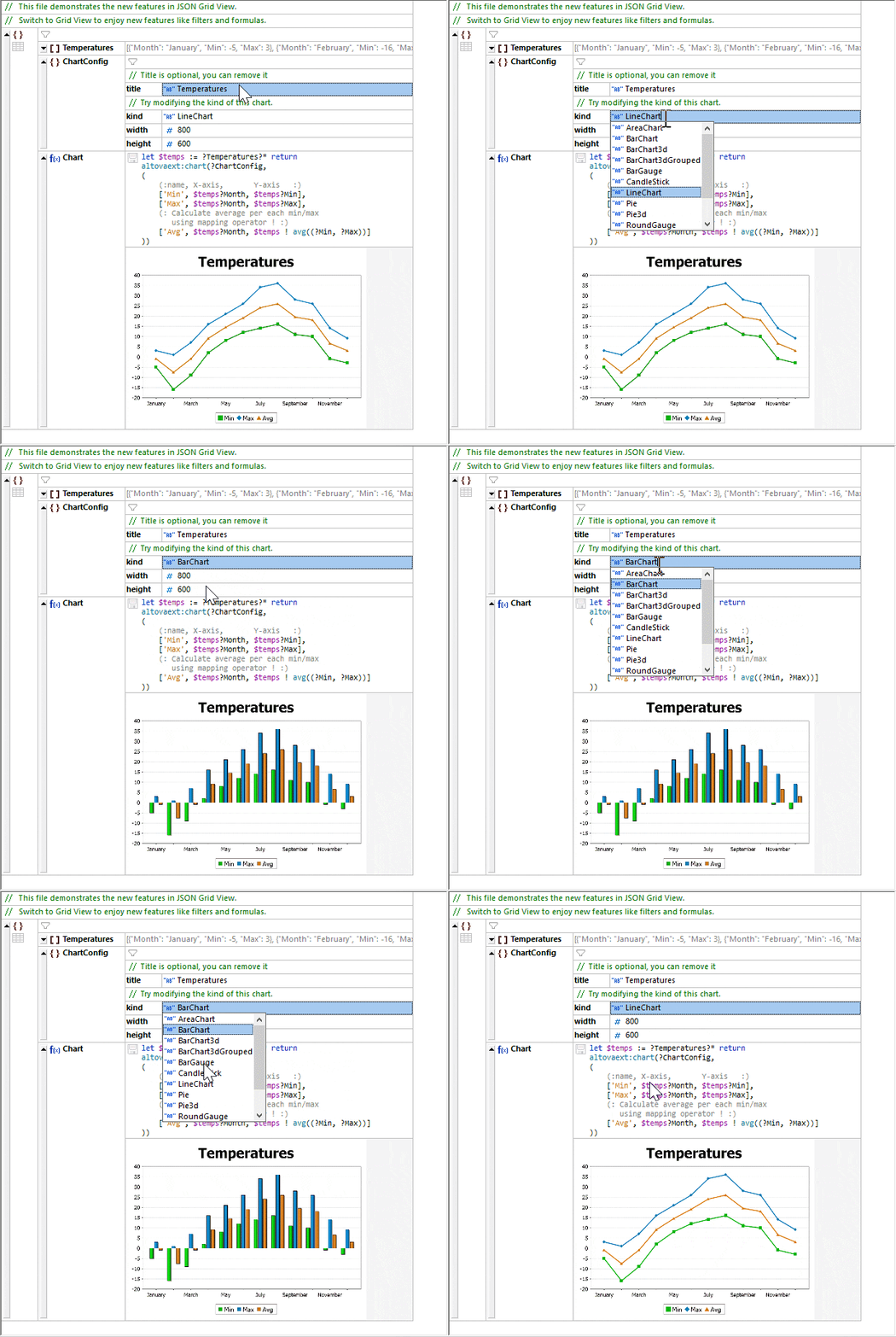
In addition to utilizing XQuery for formulas in JSON Grid, you can use it to create charts from numerical JSON data.
After configuring a chart function, the save icon embeds the chart in the file as a base-64 encoded image. Additionally, the developer can right-click on the chart in Grid View and save it in an image file such as .png or .jpg.