If, Loop, Let, Try/Catch, Throw
The following actions are available in the If, Loop group of the Actions dialog (screenshot below):
•Loop
•Let
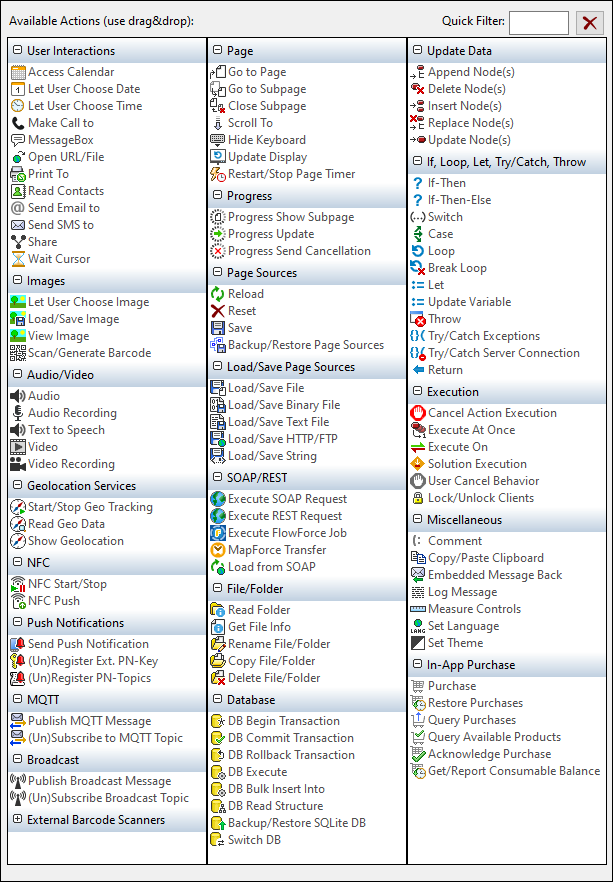
The actions in this group are available for page events and control events. The fastest way to access the Actions dialog (screenshot above) is to right-click the page or control and select the page/control actions command. See also Page Events and Control Events.