XML Mapping to and from Databases
MapForce includes powerful support for database mapping, including mapping between any of database data and XML, flat files, EDI, Excel (OOXML), XBRL, Web services, and even other database formats.
When you load a database structure in the design window, MapForce automatically interprets the database schema, lets you pick available database tables and views, and recognizes table relationships.
Once you have loaded all of the XML and other content models required for your database mapping, complete the mapping by simply dragging connecting lines between the source and target structures.
Supported Relational Databases:
- Firebird
- IBM DB2 for iSeries®
- IBM DB2®
- Informix®
- MariaDB
- Microsoft Access™
- Microsoft® Azure SQL
- Microsoft® SQL Server®
- MySQL®
- Oracle®
- PostgreSQL
- Progress OpenEdge
- SQLite
- Sybase® ASE
- Teradata
Supported NoSQL Databases:
MapForce supports all major relational databases, as well as popular NoSQL databases, empowering you to create graphical database mapping designs between database source data, data processing functions and filters, and other data structures of various types.
Database Mapping Features:
- Database queries on all major databases
- Mapping data from any supported database type to any other
- Specify database key settings
- Define database table actions
- Query databases directly
- Connect to and map XML in database fields
- Sort database input components
Filtering and Processing Database Data
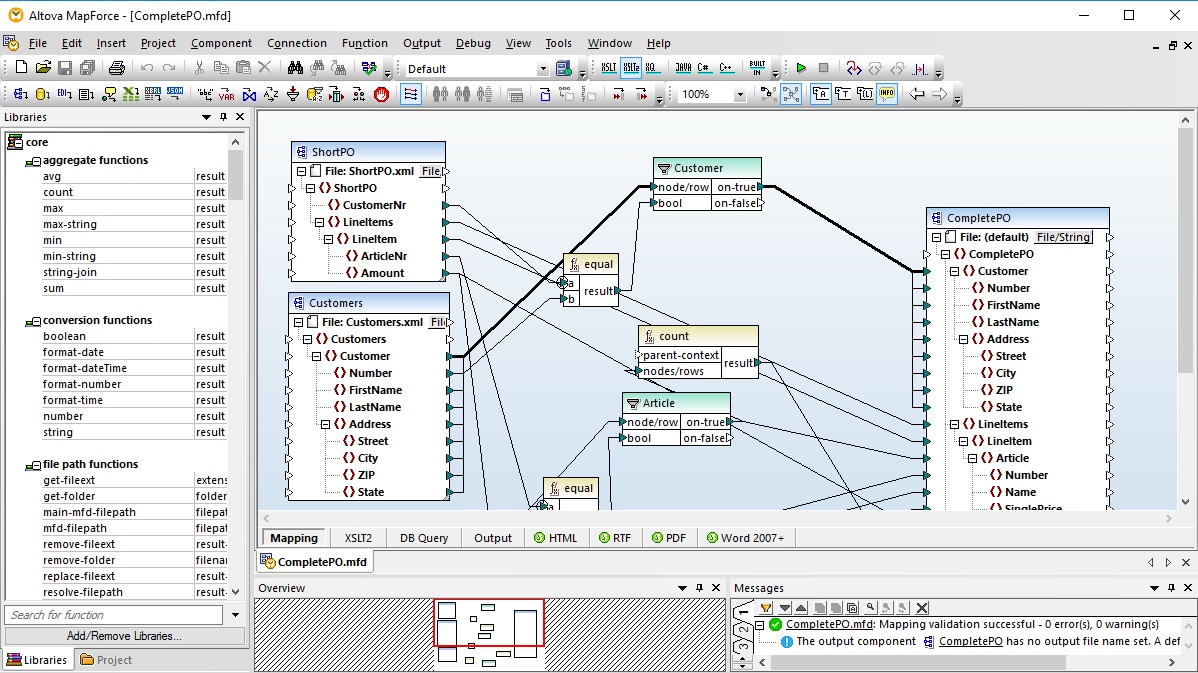
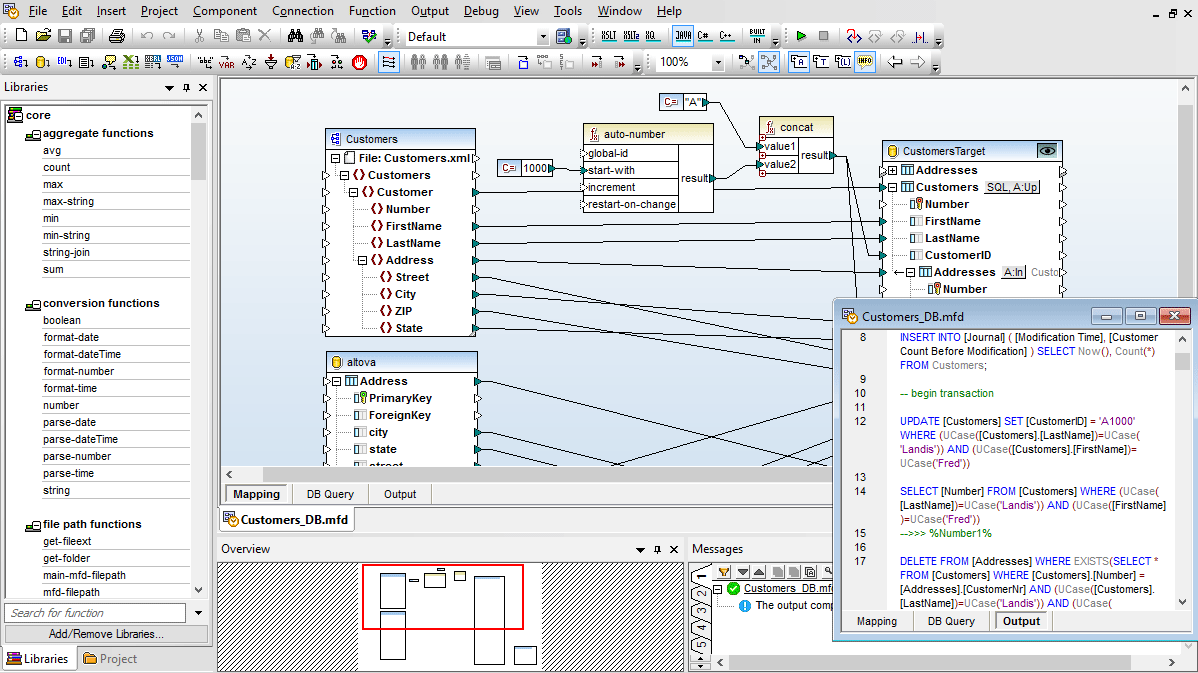
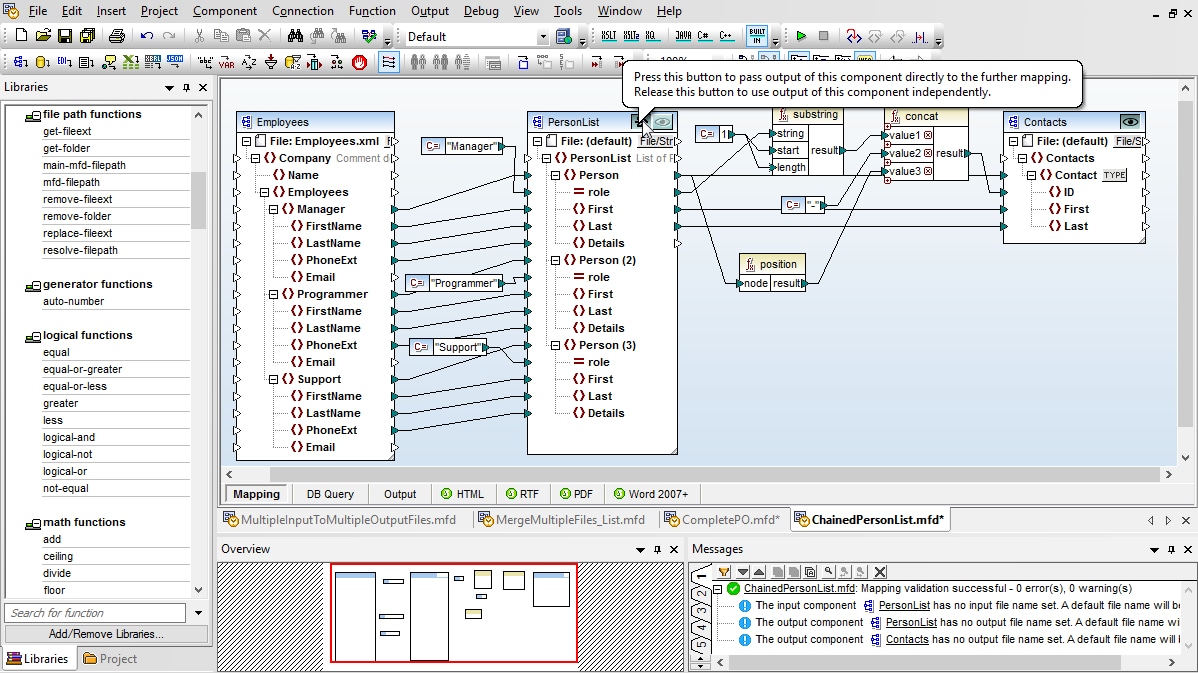
Many database mappings require manipulation of data between the source and target based on Boolean conditions or SQL and SQL/XML statements. You may need to perform logical comparisons, mathematical computations, or string operations, check for database data of a particular value, and make other modifications to the data. In screenshot above, data processing functions appear as the boxes between the lines joining the source and the target data model.
Data processing functions enable you perform advanced database mappings on-the-fly for a multitude of real-world transformation requirements. You can, for example, construct database mappings that use XML or EDI messages to extract database rows based on filter criteria from the XML or EDI elements.
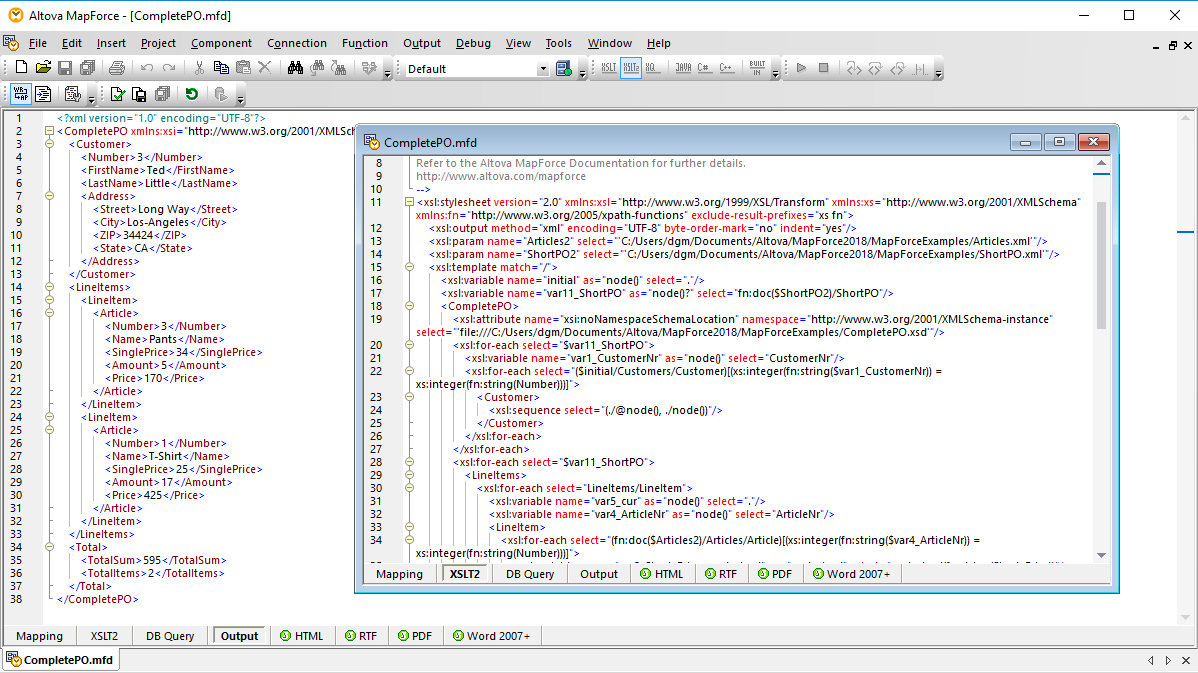
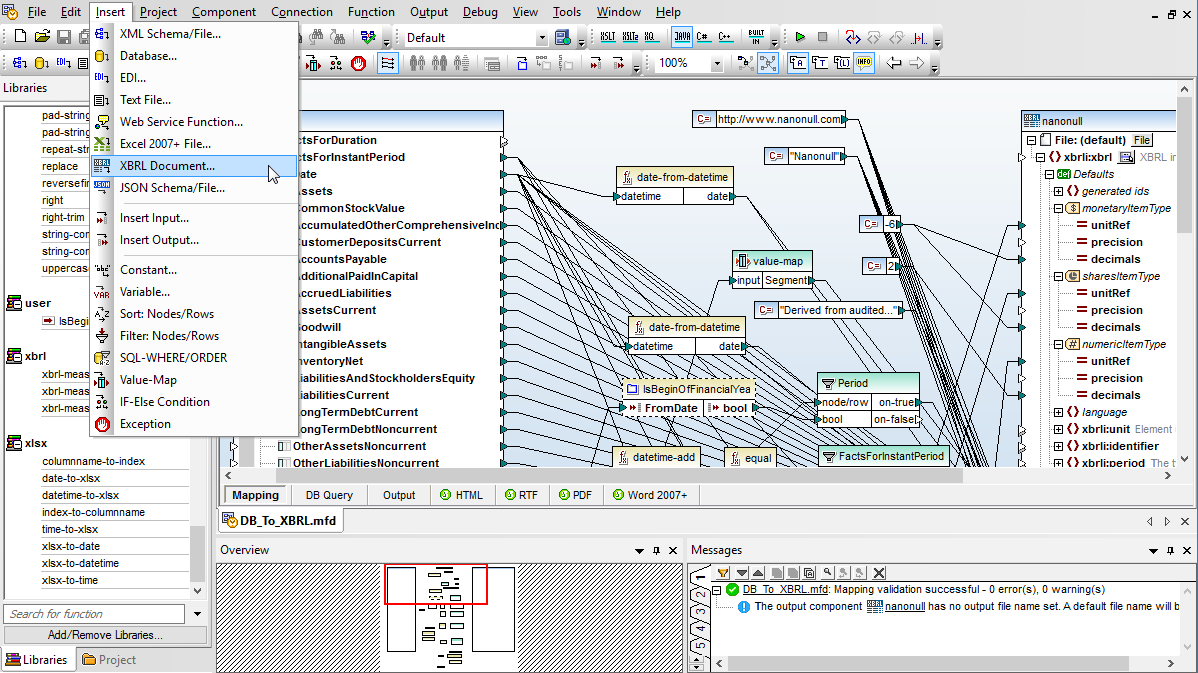
Database-to-XML mappings produce an XML output document, database mappings to flat files have output in CSV or fixed-length text files, mappings of databases to EDI can produce EDIFACT, X12, or HL7 messages, database mappings to Excel produce Office Open XML (OOXML) markup, and mappings to XBRL produce XBRL financial reports.
XML mappings into a database produces output in the form of SQL scripts (e.g., SELECT, INSERT, UPDATE, and DELETE statements) that are run against your target database directly from within MapForce.